
Build photo checkpoints from your couch, share one link, and play in any browser – no app to install, no player accounts. Turn a birthday party, school trip, or team day into a real-world adventure people will remember.
No app · no accounts · one flat price
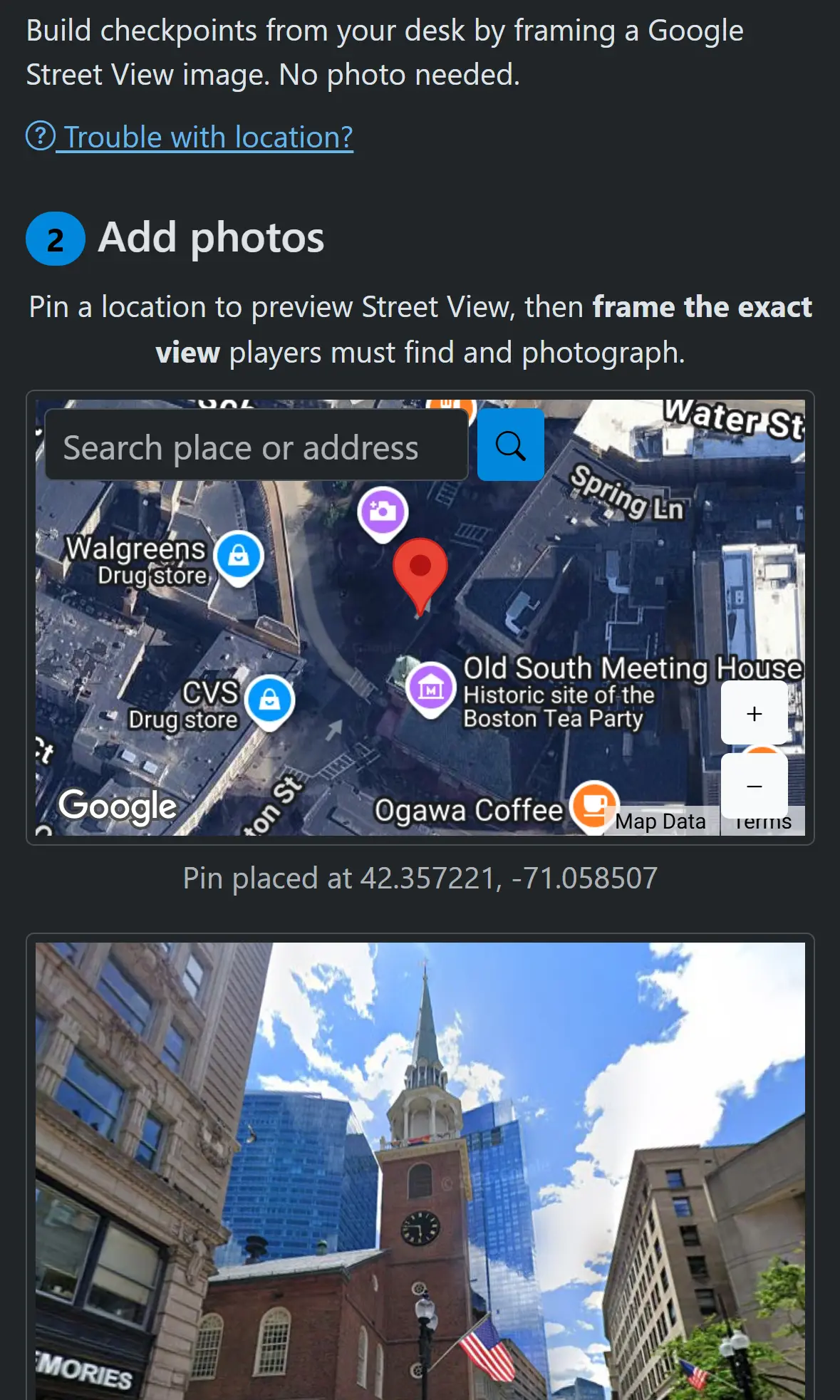
Pin a photo’s location on the map, or frame any spot in Google Street View (full game). No need to walk the route first. Photos that already carry their location work too.
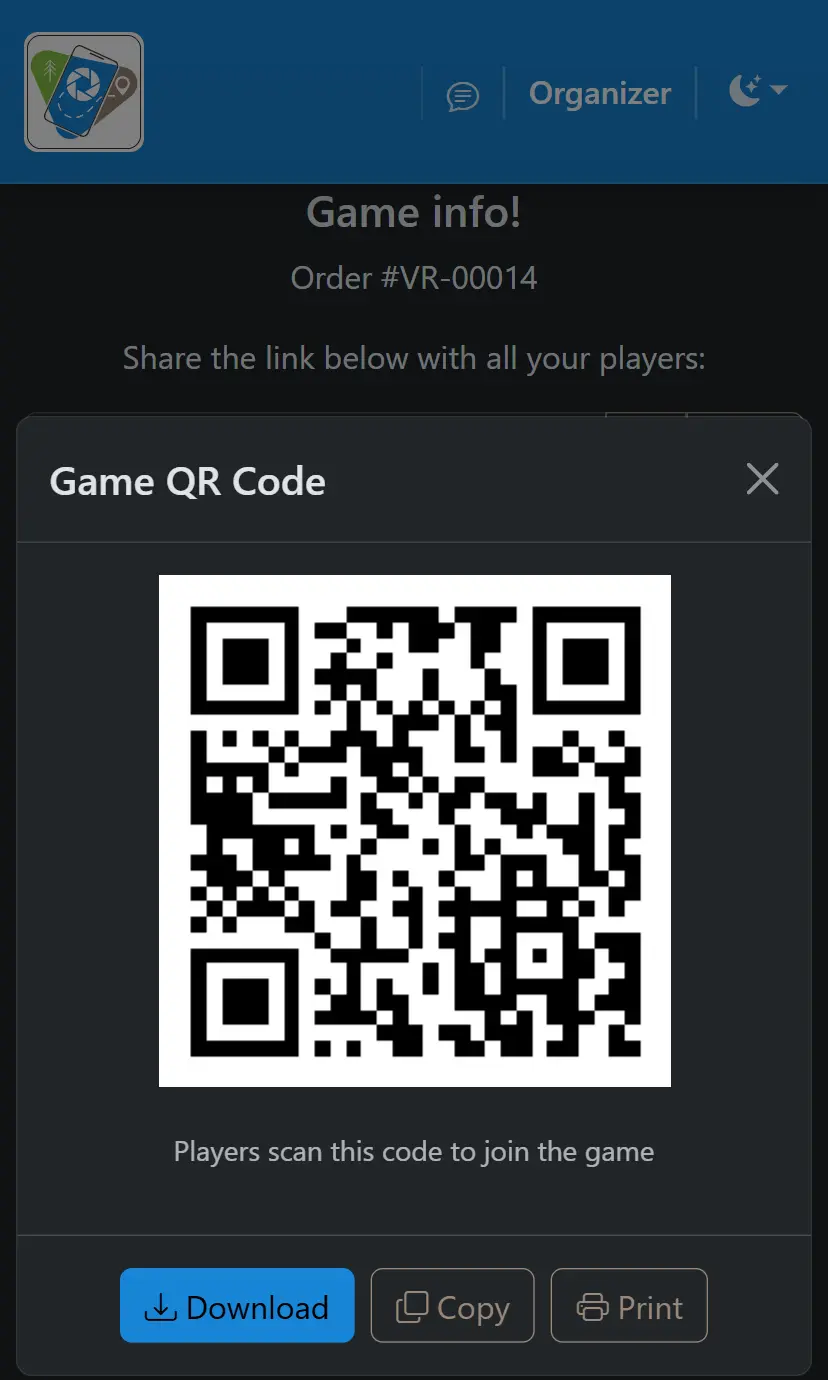
Send one link or QR code. Players open it in any phone browser: no app to install, no accounts. Everyone accepts your safety rules before they start.
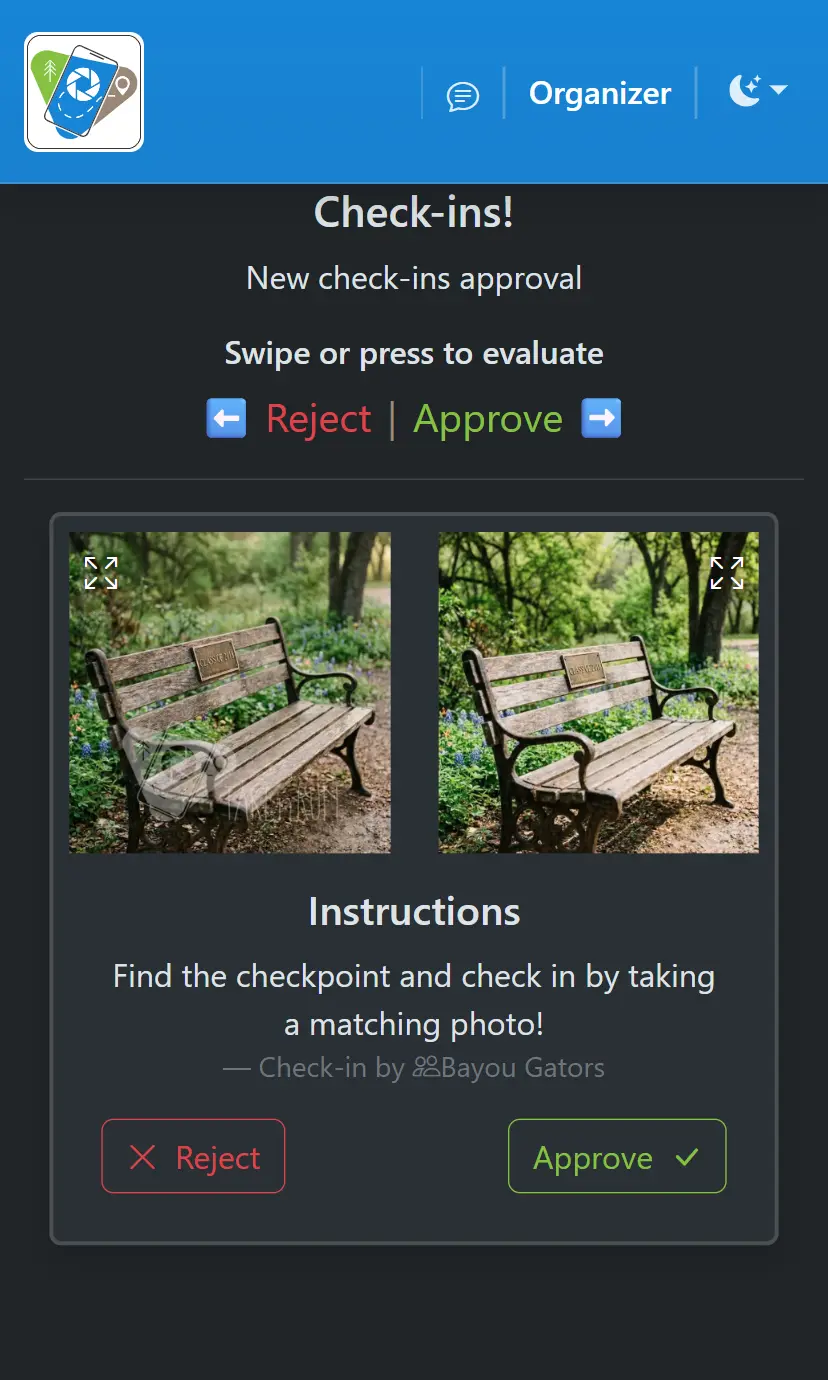
Each check-in photo arrives next to your reference photo. Approve or reject it with a swipe or a tap, message players, and add time penalties or bonuses.
No walking the route first. Build every checkpoint from your desk: pin a photo on the map, or frame the spot in Street View (full game). The setup wizard drafts the player instructions, rules and safety texts for you to edit, and saves as you go. You still choose the spots, and that is the fun part.
No. Players open one link or scan a QR code in any phone browser. No download, no accounts, and no GPS needed. All they need is a phone with a camera and mobile data.
One flat price per game, not per player: one game covers up to 50 players in up to 30 teams. Right now the full game is free as a launch special (regular price $19.99). The demo game is free.
You are the judge. Every photo arrives live for you to approve or reject, and you see each team’s progress. Message one team or everyone, add time penalties or bonuses, and players keep your safety and emergency information one tap away. Photos are not checked automatically, so plan to be reachable during the game.
Players get a reference photo and a search area on the map, then hunt for the exact spot it was taken and prove it with their own camera. Choose a set order or let teams pick their route, and hide a secret finish, handy for a surprise party.


Up to 4 interactive checkpoints
Up to 10 players in 3 teams
Fixed guidance & instructions
Limited game customization
Perfect for testing the concept
Great for small trial groups
Launch special – free for early organizers
Up to 50 interactive checkpoints
Up to 50 players in 30 teams
Fully customizable instructions, rules and flow
Build checkpoints from your desk with Map & Street View
Live check-in review – you are the judge
Free
No photo proof, no live scores. You collect and check every answer by hand afterwards.
$19.99 per game
TAKE n RUN charges one flat price for up to 50 players. Photo proof, live scores and your review included. Launch special: free right now.
$99 for up to 10 participants
That is the single-event price one scavenger hunt platform listed when we checked in November 2026. A class of 25 or a party of 30 does not fit in that plan.
Pick the line that sounds like you. Every game works the same way: checkpoints built from your desk, one link for players, and you approve the photos.
A real-world adventure for the whole party, set up tonight from the sofa
Turn the field trip into a mission
Build it once from your desk, run it on Saturday
Team building for one flat price, not per person
Real checkpoints from real games, shared with the organizers’ permission.


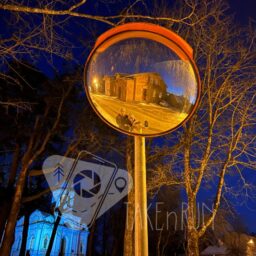


TAKE n RUN is a real-world photo scavenger hunt platform. Players use their phones to hunt down the exact spots your reference photos were taken and prove each find with their own camera – all in the browser, no app download required.
Right now – nothing. As a launch special, the full game (normally $19.99) is free for early organizers. No subscription, no per-player fees – one game covers your whole group. See everything that’s included on our free scavenger hunt app page.
Players get a link, track down your checkpoints, and snap photos to score points – while you watch it all unfold live.
Birthday parties, school trips, scout camps, team building days, corporate events, library programs, community festivals – any group ready to explore, compete, and have fun.
No. One link gets them straight in.
No. In the full game you can build every checkpoint from your desk: frame the spot in Google Street View (no photo needed), or upload any photo and pin its spot on the map. The free demo game supports map pins. Do check that each spot is safe and easy to reach for your players.
It depends on how many checkpoints you add. Each checkpoint is one photo or one Street View view plus its place on the map; the wizard drafts the rules and player texts, and saves as you go, so you can stop and come back any time until you create the game.
Upload your checkpoint photos – or build checkpoints from your desk with the map or Street View – add instructions, share the link. Takes minutes.
Yes. Live dashboard shows every submission and the current standings as they happen.
Entirely up to you – set the duration that fits your event.
Outdoors – city centers, parks, campuses, or any route you design yourself.
Mobile data, yes. GPS, no. Players need a phone with a web browser, a camera and mobile data, because the game does not work offline. They find each spot from your reference photo and the search area on the map. The game does not use the phone’s location.
Yes, with an adult in charge. An adult organizer (18 or older) sets the checkpoints, writes the safety and emergency texts players accept, and approves every photo. Players under 13 play under the direct supervision of a parent or guardian, as our terms of service require. A team can share one phone.
Check-in photos and messages are deleted automatically 30 days after the game ends, and the rest of the game (scores and summary) after 180 days. If you allowed it when creating the game, some checkpoint photos may be kept for our public gallery. Details are in our privacy policy.
You decide. Each check-in shows the player’s photo next to your reference photo; reject it with a swipe or a tap and the player sees it was not accepted. You can message the player or team, and add a time penalty or bonus.
We use cookies. To manage preferences or opt out, visit our Privacy Center.